Vegas Queens Withdrawal Failed or Declined: Common Reasons and Fixes
Vegas Queens Withdrawal Failed or Declined: Common Reasons and Fixes
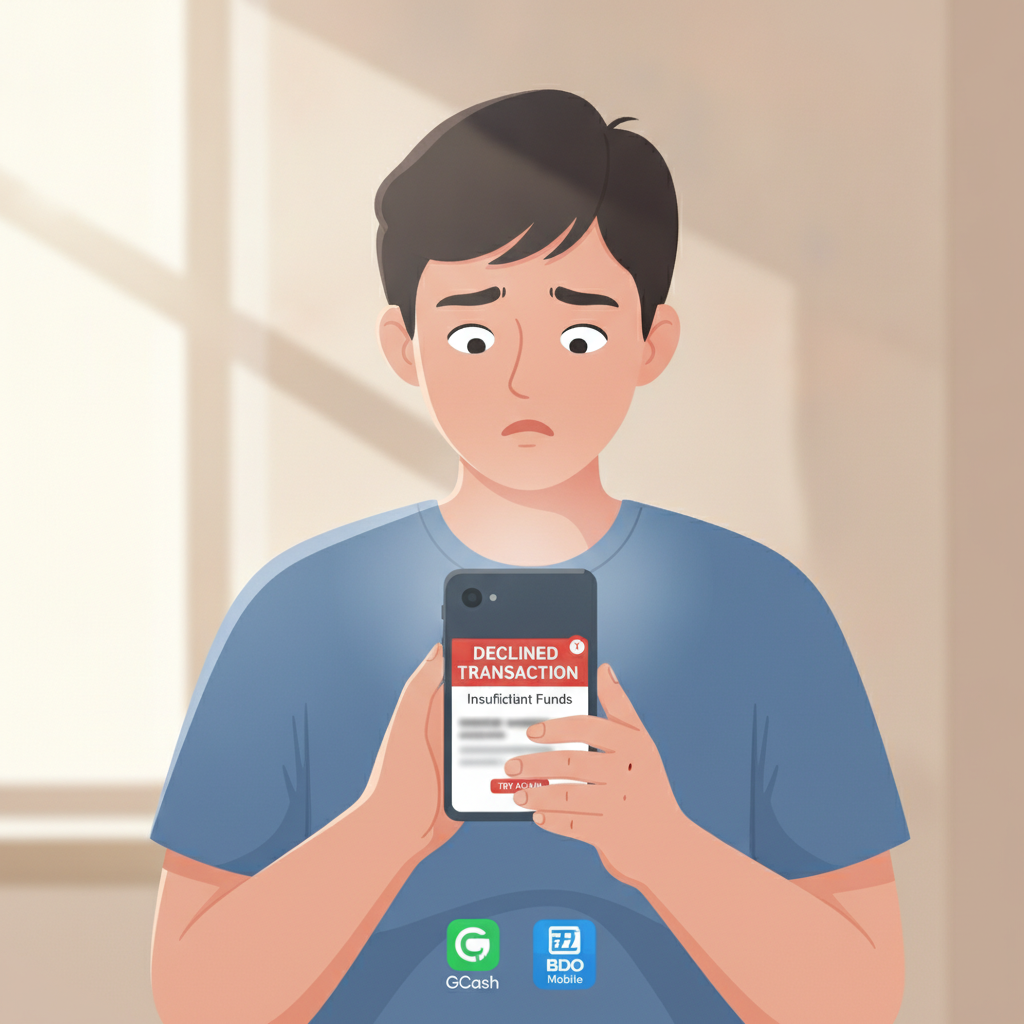
Seeing a declined or failed cashout at Vegas Queens can be frustrating, especially when you're waiting for winnings to hit your GCash, Maya, or bank account. Most withdrawal rejections happen for a handful of fixable reasons—incomplete verification, unmet wagering requirements, or mismatched account details. This guide walks through the most common causes and exactly how to resolve them so your next Vegas Queens withdrawal goes through smoothly.
21+ only. Please play responsibly and only gamble what you can afford to lose.
Why Vegas Queens Might Decline a Cashout Request
Vegas Queens reviews every withdrawal before processing it. If something doesn't meet their requirements, the request will be declined and funds returned to your casino balance. Here are the main reasons:
Incomplete or Missing Verification Documents
Philippine online casinos are required to verify player identity before approving withdrawals. If you haven't uploaded a valid government ID or proof of address, or if the documents you submitted were unclear or expired, Vegas Queens will decline the cashout and prompt you to complete verification.
Common verification issues include:
- Blurry or cropped photos of your ID
- Expired driver's license or passport
- Name on your ID doesn't exactly match the name registered on your account
- Missing proof of address (utility bill, bank statement, or government letter)
Unmet Wagering or Bonus Requirements
If you accepted a Vegas Queens bonus—welcome offer, reload, cashback, or free spins—you must meet the wagering requirement before you can withdraw. The requirement is usually expressed as a multiple of the bonus amount (for example, 15× or 25×).
Until you've wagered the required total on eligible games, your balance is considered "bonus funds" and withdrawals will be declined. Even if your balance looks high, the casino's system automatically blocks cashouts until wagering is complete.
Wrong or Mismatched Account Details
Vegas Queens requires that the name on your casino account matches the name on your GCash, Maya, or bank account exactly. If there's any mismatch—middle initial missing, nickname instead of legal name, or a typo—the withdrawal will fail.
Other account detail errors include:
- Incorrect GCash or Maya mobile number
- Wrong bank account number or branch
- Trying to withdraw to someone else's e-wallet or bank account
Exceeded Withdrawal Limits or Insufficient Balance
Vegas Queens sets daily and monthly cashout limits. If your withdrawal request exceeds your current tier's limit, the system will decline it. You'll need to split the amount into smaller requests or wait until the next period.
Also, if your account balance is lower than the minimum withdrawal amount (typically PHP 100 to PHP 200), the request won't go through.
Technical or Payment Provider Issues
Occasionally, withdrawals fail due to temporary downtime on GCash, Maya, InstaPay, or PESONet. If the payment provider's system is unavailable when Vegas Queens tries to process your cashout, the transaction will be declined and you'll need to submit it again later.
How to Check Your Account Verification Status and Upload Missing IDs
If your Vegas Queens withdrawal was declined due to incomplete verification, log in and go to your account or profile section. Look for Verification, KYC (Know Your Customer), or Documents.
Steps to Upload ID and Proof of Address
- Prepare clear photos. Use your phone camera in good lighting. Make sure all four corners of your ID are visible and text is sharp. Accepted IDs usually include driver's license, passport, UMID, postal ID, or voter's ID.
- Navigate to the Documents or Verification page. In the Vegas Queens app or mobile site, tap the menu icon, then Account or Profile, then Verification or Upload Documents.
- Upload front and back of your ID. Some casinos ask for a selfie holding your ID as well.
- Submit proof of address. A recent utility bill, bank statement, or government letter dated within the last three months, showing your name and current address.
- Wait for review. Verification typically takes 24 to 72 hours. You'll receive an email or in-app notification once your documents are approved.
Once verified, resubmit your Vegas Queens withdrawal. It should proceed to processing without the previous block.
Fixing Mismatched GCash or Bank Account Name Errors
Name mismatches are one of the easiest problems to fix but also one of the most common reasons for declined cashouts.
Check the Name Registered on Your Vegas Queens Account
Log in and review your profile. The name must be your full legal name as it appears on your government ID, GCash, Maya, or bank account. If you registered with a nickname, incomplete name, or typo, you'll need to update it.
To update your name:
- Go to Account Settings or Profile.
- Look for an Edit or Update Information option. Some casinos require you to contact support to change your registered name for security reasons.
- If you need to contact support, provide a photo of your valid ID showing your correct legal name.
Verify Your GCash or Maya Account Name
Open your GCash or Maya app and check the account name. It should match your Vegas Queens account exactly—first name, middle initial (if any), and last name.
If your e-wallet is registered under a nickname or partial name, you may need to update it in the GCash or Maya app settings or contact their customer service.
Confirm Your Bank Account Details
For InstaPay or PESONet withdrawals, double-check:
- Full legal name on the bank account
- Correct account number
- Correct bank and branch (if required)
If you entered the wrong number or selected the wrong bank, update your withdrawal details in the Vegas Queens cashier or withdrawal page before resubmitting.
When to Contact Vegas Queens Support and What Information to Provide
If you've verified your account, met all wagering requirements, and confirmed your account details are correct but your Vegas Queens withdrawal is still declined or stuck in pending status, it's time to reach out to support.
How to Contact Support
Vegas Queens typically offers:
- Live chat: Available in the app or website, usually 24/7. This is the fastest way to get help.
- Email: Check the site's Contact or Help page for the support email address. Response times are usually within 24 hours.
- Help center or FAQ: Some issues have self-service solutions listed in the FAQ.
What to Tell Support
When you message or email Vegas Queens support about a failed withdrawal, include:
- Your registered account username or email
- The withdrawal amount and currency (PHP)
- The date and time you submitted the cashout request
- The payment method (GCash, Maya, InstaPay, PESONet)
- Any error message or notification you received
- Confirmation that your account is verified and wagering is complete
The more details you provide, the faster support can identify the issue and help you resolve it.
Typical Response and Resolution Times
Most Vegas Queens support teams respond within a few hours via live chat or within one business day via email. Once they review your case, they'll either approve the withdrawal manually, ask for additional documents, or explain what requirement is still outstanding.
If the issue was a payment provider error, they may advise you to try a different withdrawal method or wait until the provider's system is back online.
Tips to Avoid Future Withdrawal Declines
- Complete verification early. Upload your ID and proof of address as soon as you register, before you ever request a cashout.
- Read bonus terms carefully. Know the wagering requirement and eligible games before you accept any Vegas Queens bonus or promo.
- Use one payment method. Withdraw to the same GCash, Maya, or bank account you used to deposit. Casinos often require this for security and anti-money-laundering compliance.
- Keep account details up to date. If you change your mobile number, bank, or address, update your Vegas Queens profile immediately.
- Stay within your limits. Check your daily and monthly withdrawal limits in the cashier or account settings, and plan your cashouts accordingly.
21+ Reminder and Responsible Gambling Note
Vegas Queens is for players aged 21 and older. Online gambling should be entertainment, not a way to make money or solve financial problems.
If you find yourself chasing losses, withdrawing and redepositing repeatedly, or gambling more than you can afford, take a break. Many casinos offer self-exclusion, deposit limits, and cooling-off periods. Reach out to support if you need help managing your play.
For confidential assistance, contact the National Center for Mental Health or a local responsible-gambling helpline.
This guide is an independent resource. Vegas Queens is operated by a third party. Always verify current terms, fees, and processing times on the official Vegas Queens site or app.