Vegas Queens Login Problems: Can't Access Your Account? Try These Fixes
Common Login Errors at Vegas Queens
When you can't access your Vegas Queens account, the platform usually shows an error message that points to the problem. Here are the most frequent login issues Filipino players encounter:
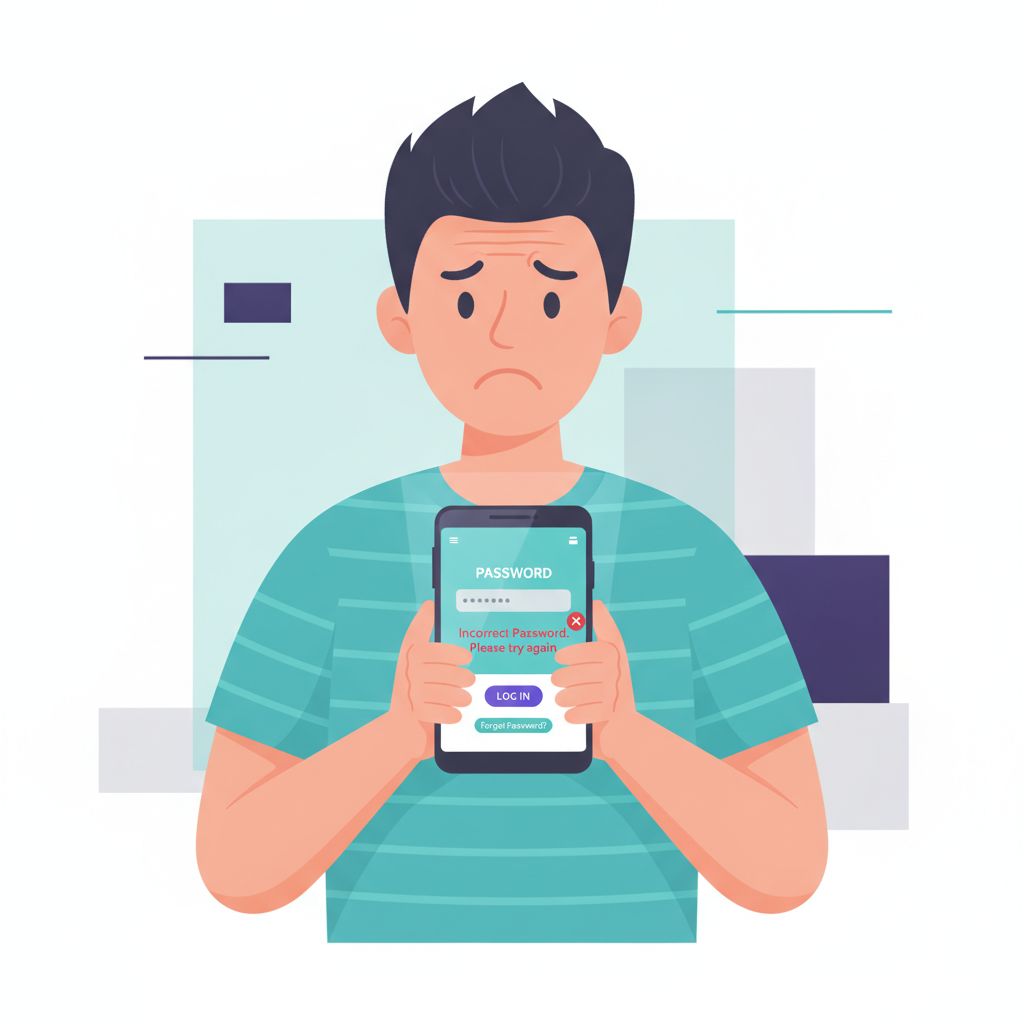
"Incorrect username or password" appears when your credentials don't match what's on file. Double-check that you're entering the mobile number or email you used during registration, and verify your password—especially capitalization and special characters. Many players save multiple passwords and mix them up between platforms.
"Account locked" or "Account temporarily disabled" means Vegas Queens has restricted access, often after several failed login attempts within a short period. The system locks accounts automatically as a security measure. This block typically lifts after 15 to 30 minutes, though persistent issues may require contacting support.
"Verification required" or "Please verify your identity" prompts appear when the platform needs to confirm it's really you. Vegas Queens may ask for this check if you're logging in from a new device, a different IP address, or after a long period of inactivity. You'll usually receive an OTP (one-time PIN) via SMS or email.
"Server error" or "Unable to connect" points to a connection problem—either your internet is unstable, the app needs updating, or Vegas Queens is performing maintenance. Try switching between mobile data and Wi-Fi, or check if other casino players are reporting the same issue on forums.
How to Reset Your Vegas Queens Password on Mobile
If you've forgotten your password or suspect someone changed it, resetting is straightforward on both the Vegas Queens Android app and mobile browser.
Using the Android APK or app:
- Open the Vegas Queens app on your phone.
- Tap "Login" on the home screen.
- Below the password field, tap "Forgot Password?" or "Reset Password".
- Enter the mobile number or email address tied to your account.
- Check your SMS inbox or email for a password reset link or OTP code. This usually arrives within one to three minutes.
- Tap the link or enter the code, then create a new password. Use at least eight characters, mixing letters, numbers, and a symbol for stronger security.
- Confirm the new password and log in.
Using a mobile browser (Chrome, Safari, etc.):
- Go to the Vegas Queens website in your browser.
- Tap the "Login" button.
- Select "Forgot Password?".
- Provide your registered mobile number or email.
- Wait for the reset link or OTP to arrive by SMS or email.
- Follow the prompts to set a new password.
If the reset link doesn't arrive within five minutes, check your spam or junk folder. For SMS delivery issues, confirm your mobile number is still active and can receive messages. If you changed your SIM card or phone number since registering, you'll need to contact Vegas Queens customer support through live chat or email with a copy of your valid ID to update your contact details and regain access.
Why Your Account Might Be Temporarily Suspended and How to Check
Vegas Queens may suspend accounts for several reasons, most related to security or compliance. Understanding why helps you resolve the issue faster.
Multiple failed login attempts: As mentioned, the platform auto-locks accounts after too many wrong password tries. Wait 15 to 30 minutes, then try again. If the lock persists beyond an hour, reach out to support.
Incomplete or expired verification documents: Philippine online casinos must verify player identity to comply with anti-money-laundering rules. If you haven't uploaded a valid government ID (such as a Philippine passport, driver's license, or UMID) or if your documents expired, Vegas Queens may freeze your account until you submit current proof of identity and address.
Suspicious activity flagged by the system: Logging in from multiple devices in different locations within a short time, or unusually large deposit and withdrawal patterns, can trigger a security review. The platform will email you asking for additional verification or an explanation. Reply promptly with requested documents.
Violation of terms and conditions: Using VPN software to mask your location, creating duplicate accounts, or engaging in bonus abuse can lead to suspension or permanent closure. Review the email from Vegas Queens; it will specify the reason and next steps.
To check your account status:
- Try logging in on the app or website. If suspended, you'll usually see a message explaining the lock.
- Check the email address associated with your Vegas Queens account. Support typically sends a notification outlining why access was restricted and what you need to do.
- Contact Vegas Queens live chat (available 24/7) or send an email to their support team. Provide your registered mobile number or email, and ask for clarification on your account status.
Respond to any verification requests quickly. Most suspensions for document issues resolve within 24 to 48 hours once you upload clear, legible copies of your ID and proof of address (such as a recent utility bill or bank statement showing your name and Metro Manila or provincial address).
Clearing App Cache or Trying a Different Browser
Login errors sometimes stem from corrupted cache files or outdated session data stored on your device. Clearing the cache often fixes glitches, especially "stuck on loading screen" or "login button not responding" issues.
For the Vegas Queens Android app:
- Go to your phone's Settings.
- Tap Apps or Application Manager (the label varies by Android version).
- Scroll and select Vegas Queens from the list.
- Tap Storage.
- Tap Clear Cache. (Do not tap "Clear Data" unless you're willing to log in again and re-download settings, as this erases saved preferences.)
- Restart the app and try logging in.
If clearing cache doesn't help, try uninstalling and reinstalling the Vegas Queens APK. Download the latest version directly from the official Vegas Queens website to ensure you have the most recent security patches and bug fixes. Avoid third-party APK mirrors.
For iOS users (if Vegas Queens offers an iOS app or web app):
- Open Settings on your iPhone.
- Tap Safari (or your preferred browser).
- Scroll down and tap Clear History and Website Data.
- Confirm, then reopen the Vegas Queens site and log in.
Alternatively, try switching browsers entirely. If you normally use Chrome on Android, test Firefox or the default Android browser. Sometimes browser extensions or outdated plugins interfere with login scripts.
Other quick fixes:
- Update the app: Go to the Vegas Queens download page or check for an update notification within the app. Older versions may have login bugs that developers already patched.
- Check your internet connection: Weak Wi-Fi or unstable mobile data can time out the login request. Switch networks or move closer to your router.
- Disable VPN or proxy: Vegas Queens may block logins from VPN IP addresses for security and regulatory reasons. Turn off any VPN, then try again.
- Restart your phone: A simple reboot clears temporary glitches in Android's memory and can resolve frozen login screens.
If you've tried all these steps and still can't log in, the issue may be server-side. Check Vegas Queens' official social media pages or community groups for announcements about maintenance or outages, and contact support if the problem persists beyond a few hours.
21+ Reminder and Responsible Gambling Note
Vegas Queens is only for players aged 21 and above. If you're experiencing frequent login frustration, take a moment to assess whether taking a break might help. Chasing losses or feeling anxious about account access can be warning signs.
Set deposit limits through your GCash or Maya wallet to control spending, and use Vegas Queens' self-exclusion or cool-off features if you need time away. For confidential support with gambling concerns, contact HOPE Line Philippines at (02) 8804-HOPE (4673) or Natasha Goulbourn Foundation crisis line at 0917 558 4673. Remember, gambling should stay fun and within your budget—never bet money you can't afford to lose.
This is an independent guide. Vegas Queens sets its own terms for account security, password resets, and verification. Always read the official help center and contact Vegas Queens support directly for account-specific issues.